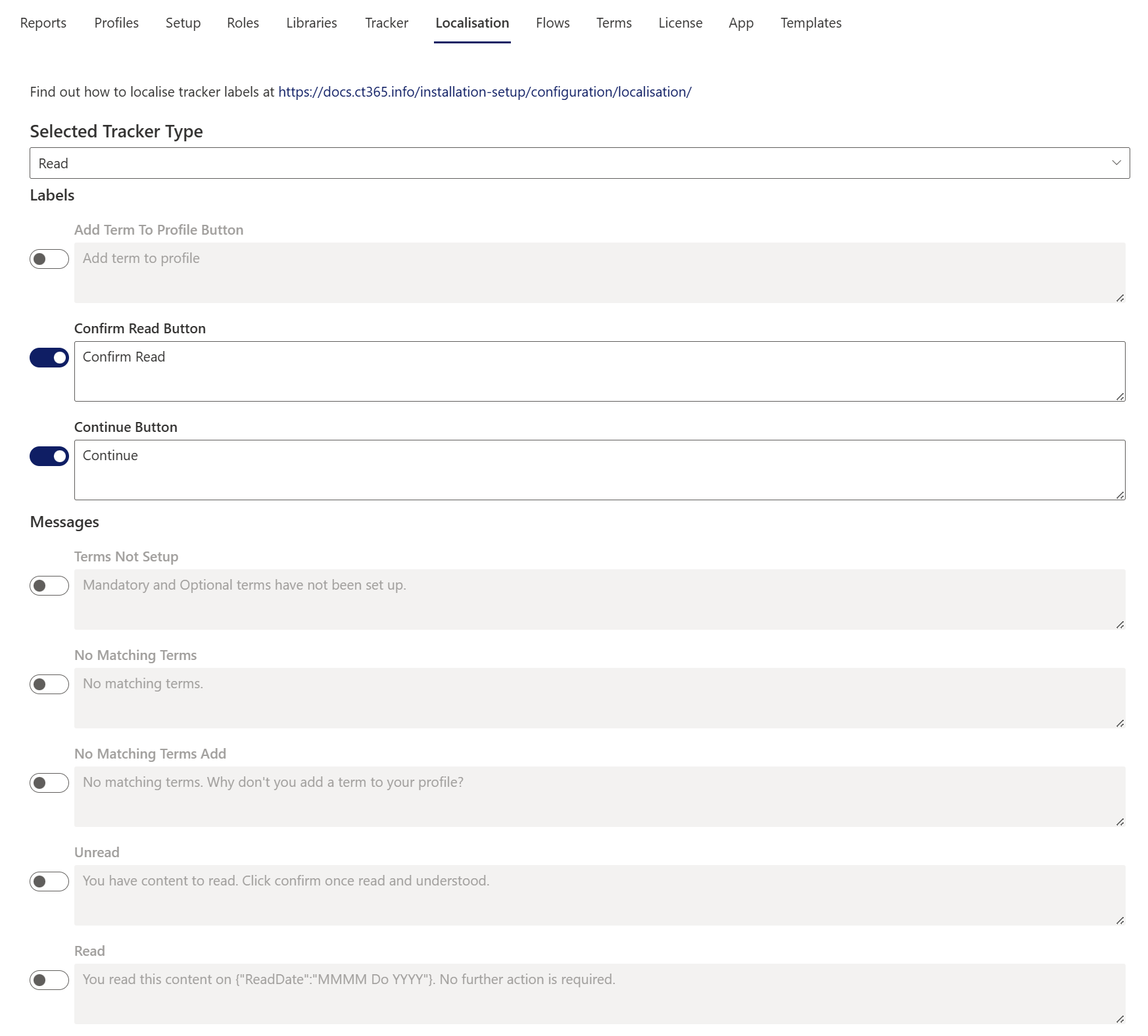
The Localisation tab allows you to customise the wording used in Trackers.
⚙️ Key Details
- Each site collection has its own localisation settings for each Tracker Type.
- Trackers for individual pages or documents can be configured separately in the Info panel.
- Toggle ON → Updates override the default value.
- Toggle OFF → Restores the default value.
💾 Saving Changes
- Always click Save at the bottom of the page to apply your updates.
- Unsaved changes will not take effect.
🔙 Adding a Back Button
To add a Back option to the Tracker, include the following code snippet in any of the localisation Messages, replacing the location.href with your own return site. The code will first try to redirect to the source query string value, if this is missing it will navigate back using browser history, and if this is empty it will navigate to the home page of the current site collection:
<a style="color:white;font-weight:600;text-decoration:none;"
  href="#"
  onclick="
    const p = new URLSearchParams(location.search);
    const t = p.get('source');
    if (t) {
      location.href = t;
    } else if (history.length > 1) {
      history.back();
    } else {
      const path = location.pathname.split('/').filter(x => x);
      let siteCollection = '/';
      if (path[0] === 'sites' || path[0] === 'teams') {
        siteCollection = '/' + path[0] + '/' + path[1];
      }
      location.href = siteCollection;
    }
    return false;
">
  Return to previous page
</a>