Roles in Compliance Tracker 365 are used to grant access to specific sections of the Management page.
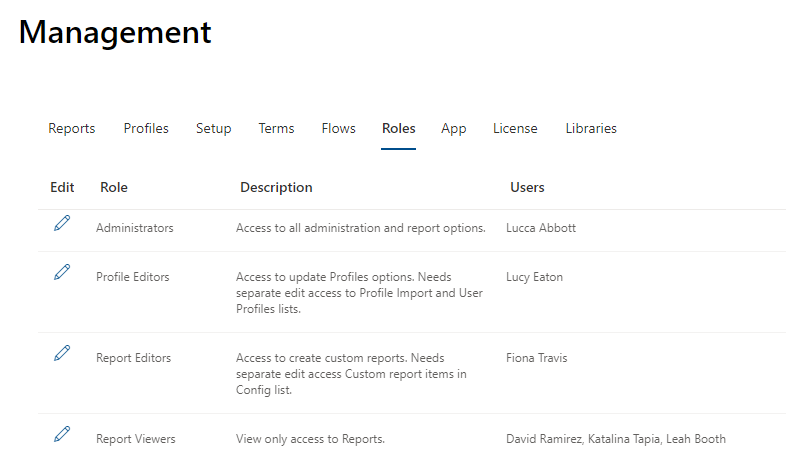
⚠️ Important: Management Roles do not set SharePoint permissions. For roles to function correctly, you must configure SharePoint permissions either across the site collection or at specific locations.
🔑 Setting Role Permissions
To access report data and update profiles, the following minimum SharePoint group memberships are required:
| Role | Group Membership | Access Provided |
|---|---|---|
| Administrators | Owner | All CT365 lists |
| Profile Editors | Member | CT Profile Import & CT User Profile List |
| Report Editors | Member | CT Config List & CT Logs |
| Report Readers | Read* | CT Config List & CT Logs |
* Member access is required if Enhanced Permissions is enabled.
📌 Notes
- You do not need to break inheritance on list items or lists when assigning roles.
- As long as Contribute access is correctly applied across the site collection, roles will work as intended.