Compliance Tracker 365 targets content using tags.
The Tracker Type works in conjunction with the following properties to determine how targeted content is tracked:
- Mandatory terms
- Optional terms
- Refresher Days
- Version Number
All trackers record every page visit, including view durations, for analysis in reports.
🔒 Hidden Tracker
- Records visits to targeted content without displaying a visible message.
- Useful for tracking general reading of pages and documents.
- Behavior:
- A Read is recorded the first time the page is visited.
- Views are recorded for each subsequent visit.
⚡ Automatic Tracker
- Automatically records when a person has visited the page.
- A tracker footer is visible but does not require manual acknowledgement.
- Useful for drawing attention to content and informing readers that their visit is acknowledged.
- Continuously records how long a person has been viewing the page.

📖 Read Tracker
- Requires individuals to actively acknowledge they have read the content.
- Best suited for important Policies, Procedures, or Work Instructions.
- Behavior:
- When the Read button is clicked, the actual read time on the page is recorded for analysis.

💬 Feedback Tracker
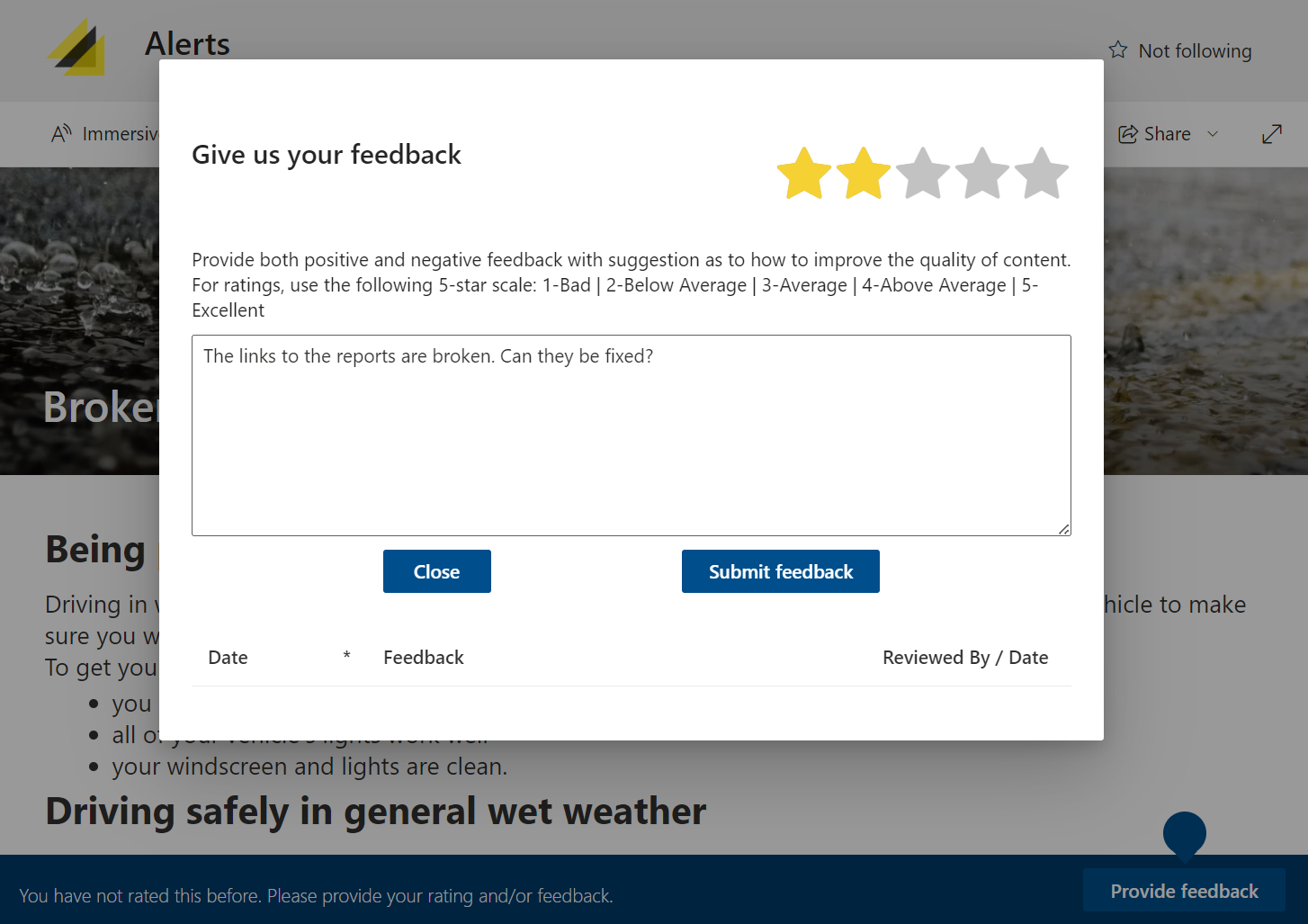
- Collects content ratings and feedback.
- Useful when facts in content change regularly, allowing readers to provide inline feedback to improve quality and reliability.
- Behavior:
- Feedback must be reviewed before an individual can provide further feedback on the same page.
- To allow continuous feedback, set Management > Info panel > Tracker settings to Show footer if read or no action required.
- Reviews can be managed using the Feedback Pending Review report.
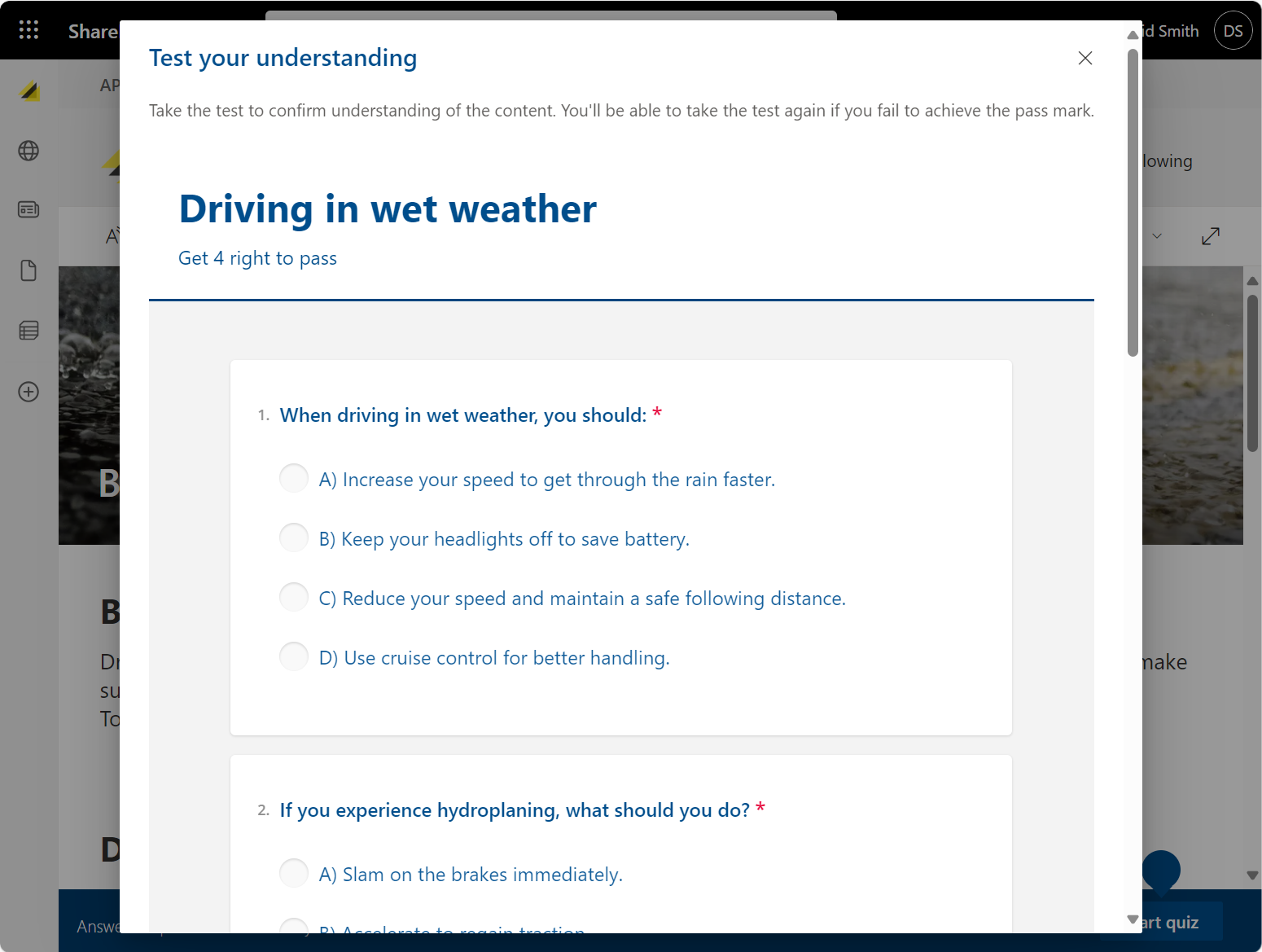
📝 Quiz Tracker
- Validates content understanding with a quiz.
- Useful for assessing comprehension of Policies, Procedures, Work Instructions, or other compliance-related content.
- Behavior:
- Records completion details, including whether the person passed the quiz.
- If a person fails, they can retake the quiz immediately.